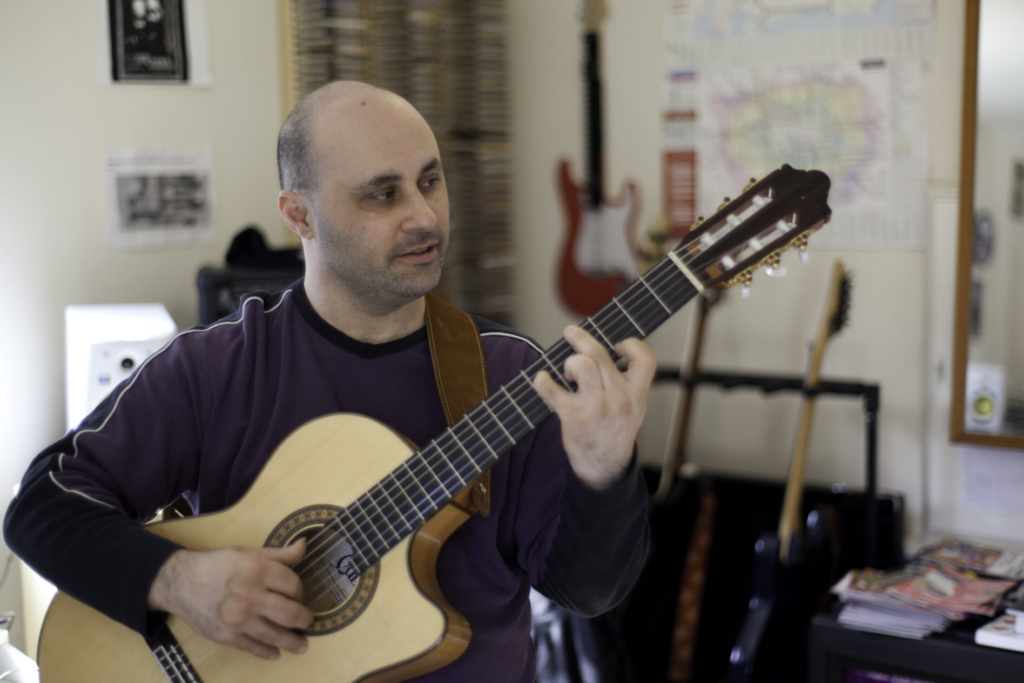
Guitar, Bass, Ukulele, Music Theory & Ear Training Lessons Online
Learn from the comfort of your own home — anywhere in the world. A proper multi-camera, multi-channel studio set-up delivers an experience as close to face-to-face as online gets, in English, Italian, German or Maltese.
If you’d rather learn guitar, bass, ukulele or music theory online, I run individual lessons — and most of my group courses — remotely, wherever you are. My online guitar lessons are live and one-to-one, never pre-recorded video: I watch your hands, correct you in the moment and set your homework there and then, exactly as I would in the studio.
Individual online lessons usually run within these UK (GMT) hours, though I’m happy to flex, especially for students outside Europe:
- Mon–Fri 11am – 11pm
- Sat 10am – 7pm
- Sun 11am – 5pm
I also run 19 group modules split by instrument, age and level — most of which can be taken online. See the group lessons page for which run remotely.
A real studio,
beamed to your screen.
I’ve built the online experience to feel as close to being in the room as possible.
Multi-camera angles
A 720p main webcam plus two extra cameras and a guitar-cam mount, so you can watch my hands from any angle.
Fibre-optic internet
A rock-solid connection at my end keeps audio and video clean throughout the lesson.
USB mixer
Mic, instruments and backing tracks all run through one mixer, sent to you as a single clean soundwave.
Loop station
Built-in drum-beat library to record and loop any instrument — lay down a rhythm, then solo over it live.
Four languages
Lessons in English, Italian, German or Maltese — whatever you’re most comfortable in.
Theory made visual
Theory and harmony taught with software, on-screen music and live instruments — synth, guitar, bass or uke, related to whatever you play.
What you’ll need
To keep your lesson as close to face-to-face as possible, it helps to have the following at your end:
- A strong broadband connection — fibre is best; if not, plug your computer into the modem with an ethernet cable rather than using Wi-Fi.
- An up-to-date browser — I’d suggest Brave, which handles screen-sharing and audio best, though Google Chrome, Edge, Firefox and Safari all work fine. No add-ons or extensions needed.
- Video software set to accept files — Zoom (my first choice), with Teams or Google Meet installed as a reliable back-up.
- Electric instruments: a jack from your computer to your amp, so you control both volumes from one place.
- Acoustic instruments: a set of external speakers (not your laptop’s) angled toward the computer’s mic.
- A desktop or laptop — not a tablet or phone — so we can switch screens and still see each other.
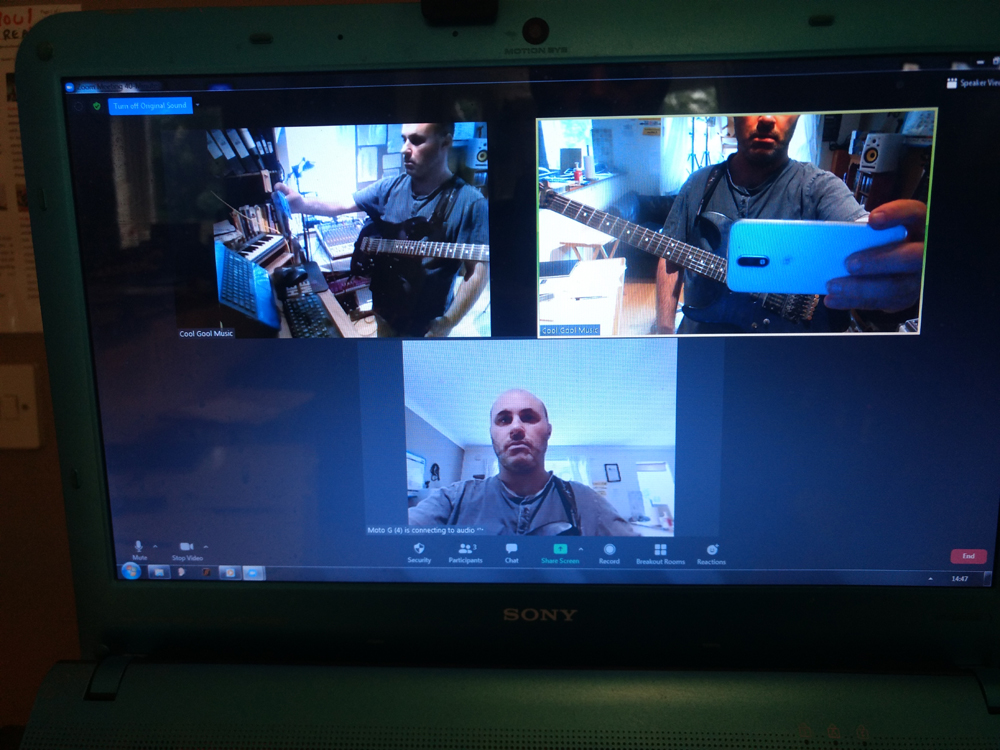
Once you book your first lesson I give you access to your own Google Classroom, with cheap purchase links and tips on jacks, speakers, lighting and mics to sharpen your set-up. If any of this feels fiddly, I’ll help you get everything working before we start.
Online rates.
| Lesson | Format | Price |
|---|---|---|
| 30 min · one-to-one | Online | £30 |
| 50 min · one-to-one | Online or 4 lessons for £150 | £40 |
| 50 min · group course | Per person 6 weeks | £100 |
| 50 min · group course | Per person 12 weeks upfront | £168 |
UK students pay by bank transfer (details supplied on booking); overseas students pay via PayPal to guitar@malcolmcallus.com, or the equivalent in your currency. To avoid PayPal fees, please mark your payment as a gift to a friend rather than a service — thank you! See the full fees, blocks and referral cashbacks →